Tile & Tile wall

Snack content for a quick overview

Sprechblase mit dem Wort Info
Badgeinfo

What is it all about?
Tiles or tile walls offer the opportunity to create a quick overview of topics in snack form. Users can quickly digest these uncomplicated content snacks, which can be grasped without great cognitive effort.

Glühbirne neben der englischsprachigen Überschrift Good to know

Good to know
Although the number of tiles within a tile layout is fixed, you can create tile walls of any size by combining tile layouts. A grid mix of 3 and 4 tile templates is also possible.
Mehrere Kacheln neben der englischsprachigen Überschrift Templates

All templates at a glance 

Simply click on the preview image for the desired grid overview
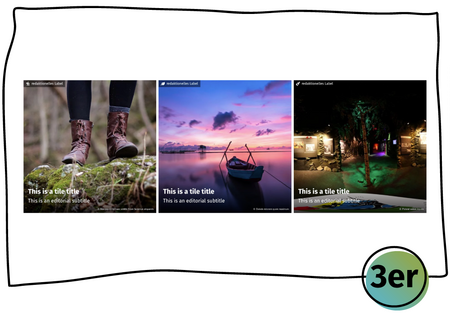
Three adjacent tiles with background image, title and subtitle at the bottom and additional information at the top left
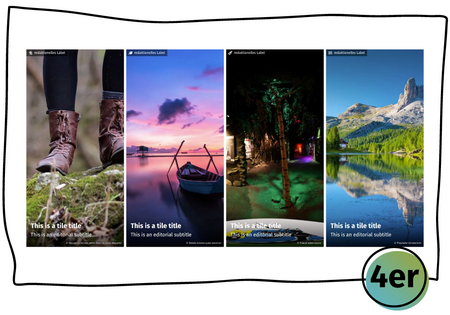
Four adjacent tiles with background image, title and subtitle at the bottom and additional information at the top left

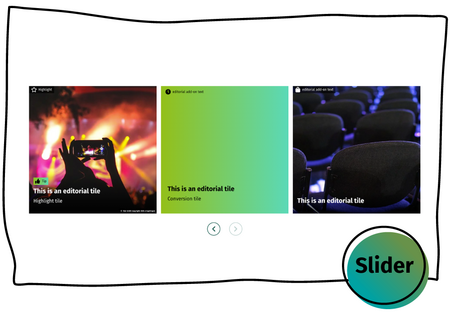
In addition to the tile wall grids—a preselection of which is included by default in the projects—the tile wall slider is also available in every project.
Mehrere Kacheln neben der Überschrift Varianten

All variants at a glance

Simply click on the preview image for the desired detailed view.
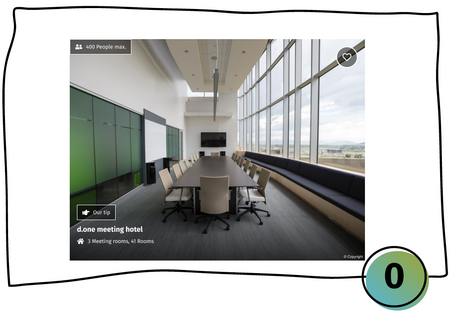
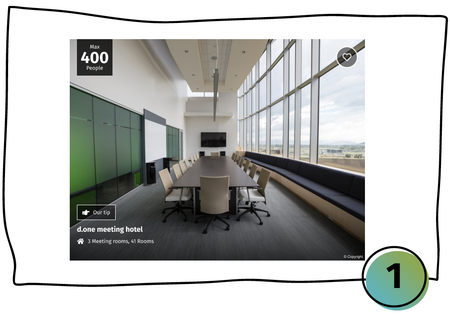
Display of a tile element in variant 0 with background image, text and details at the bottom left, favourites function at the top right and additional information at the top left
Display of a tile element in variant 1 with background image, text and details at the bottom left, favourites function at the top right and large additional information at the top left